An Analytics MCP Server for the Person Who Wants a Number
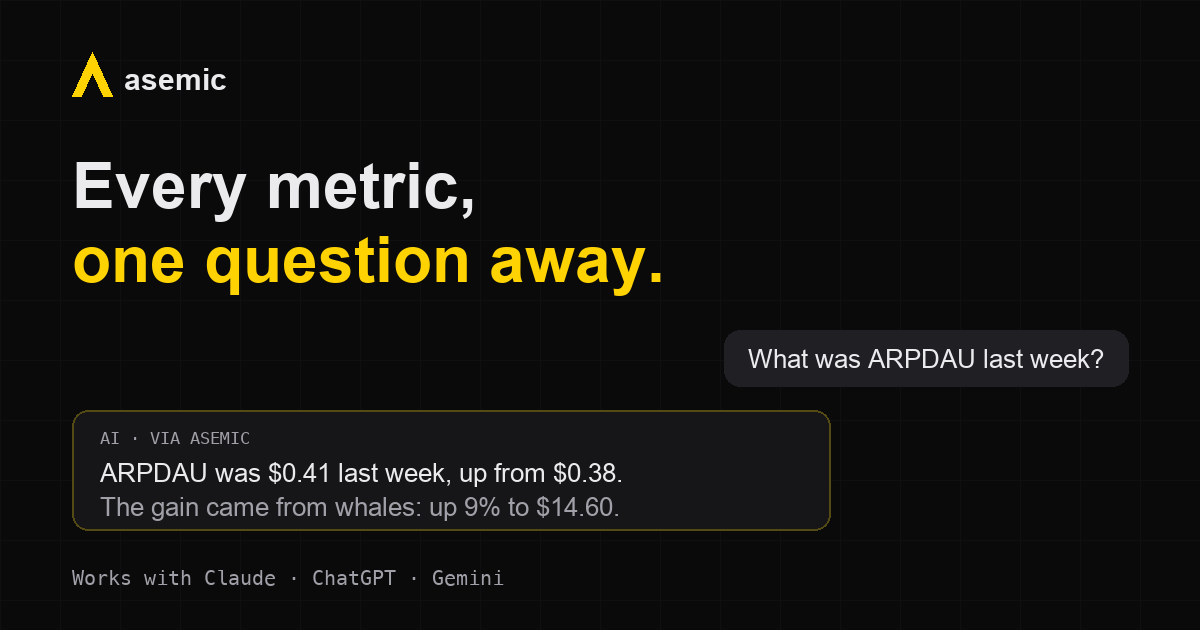
Producers, live-ops leads, and studio heads rarely open a BI tool. They ask someone, or they wait for the weekly deck, while an AI chat sits open in the next tab, one that would happily answer if it could reach the numbers. As of today it can: Asemic ships an analytics MCP server (Model Context Protocol, the open standard AI assistants use to call external tools) that connects Claude, ChatGPT, or Gemini to your game’s metrics.
Many analytics and BI vendors have shipped MCP servers for their developers: tools for building models, aimed at people comfortable with API keys and config files. We built ours for the person who wants a number.
What an analytics MCP server does
Once connected, the assistant can discover your project’s metrics and dimensions, run queries, and answer in plain language:
“What was ARPDAU by payment segment last week, and how does it compare to the week before?”
It can render proper charts when you want to see a trend rather than read it, find and link the dashboards your team already built, and, if your role allows it, create private dashboards or drop an annotation on the chart (“annotate yesterday’s dip: tracking outage on Android”). The full tool list is in the AI chat documentation.
Connecting takes a minute, not a ticket
The whole setup: paste https://app.asemicanalytics.com/mcp into your chat client’s connector settings, sign in with your Asemic account, approve the permission screen. Done.
What you did not do is worth listing, because elsewhere this category expects it of you: you did not create an API key, run a local server binary, edit a JSON config, or ask an admin to register your AI agent as an OAuth client. Connecting an assistant should not be a ticket to the data team. (Setting up Asemic itself, warehouse to first dashboards, is its own ten-minute quickstart.)
Permissions are applied automatically
The assistant signs in as you. It sees the projects you can see and nothing else, and every action it takes is checked against your role: anyone can query and build private views, publishing to the team requires the same rights in chat as in the app, and there is no service account with blanket access anywhere in the flow. Revoking access takes one click.
This matters more in chat than anywhere else, because nobody reviews an assistant’s queries before they run. The permission model has to be the same one the product enforces, applied without anyone configuring it.
The same numbers as your dashboards
The assistant does not write SQL against your raw tables. It queries the named metric definitions in your semantic layer, the same governed definitions every dashboard reads. When it says DAU, it means your studio’s DAU, the one your team agreed on, defined in one legible line:
user.active   = EXISTS(activity)                  # 0 or 1, per user per day
metric.DAU    = SUM(user.active)                  label "Daily Active Users"
metric.ARPDAU = metric.Revenue / metric.DAU       unit "$" prefix
That is the entire definition, readable by anyone who needs to trust it. The engine compiles it to warehouse-correct SQL underneath. Ask the same question twice, or have two people ask it, and the answer comes from the same place. (Why we think this ends up mattering more than the chat itself: A Dashboard Is a Cached Answer.)
That is the quiet requirement for AI analytics to be trustworthy at all: the model needs something governed to be grounded in. A chat interface over improvised SQL is a faster way to get confidently wrong numbers.
No AI in the middle
One more thing worth saying plainly: Asemic itself sends nothing to any AI model. No training on your data, no third-party inference in our pipeline. The AI in this story is the one you chose, connected under your account, seeing query results because you asked it a question. Your raw event data stays in your warehouse, where Asemic’s queries run.
What’s next
Retention decomposition is in validation with design partners now. When it ships, the same chat gets the question that actually matters: not “what moved” but “why did it move”, decomposed into user acquisition, onboarding, and core-game contributions. The methodology and validation approach are on the causal decomposition page, along with the launch list if you want to know the moment it is available.
Until then: connect your chat, poke around the sandbox, or book a demo: 45 minutes, no sales loop, and we will show it running on your own data.