Your Firebase BigQuery Export Is Already a Data Warehouse
Somewhere in your Firebase console, probably years ago, someone flipped on the BigQuery export. It felt responsible: raw data, owned by you, just in case. Since then it has been quietly writing every event your game produces into a dataset nobody opens.
Here is the reframe I want to offer: that dataset is not a backup. It is a data warehouse. For most free-to-play studios it is the only data warehouse they will ever need to start doing serious analytics, and it is already paid for, already running, and already complete. What has been missing is not data engineering budget. It is a modeling layer that can read the export as it actually is.
What the Firebase BigQuery export actually contains
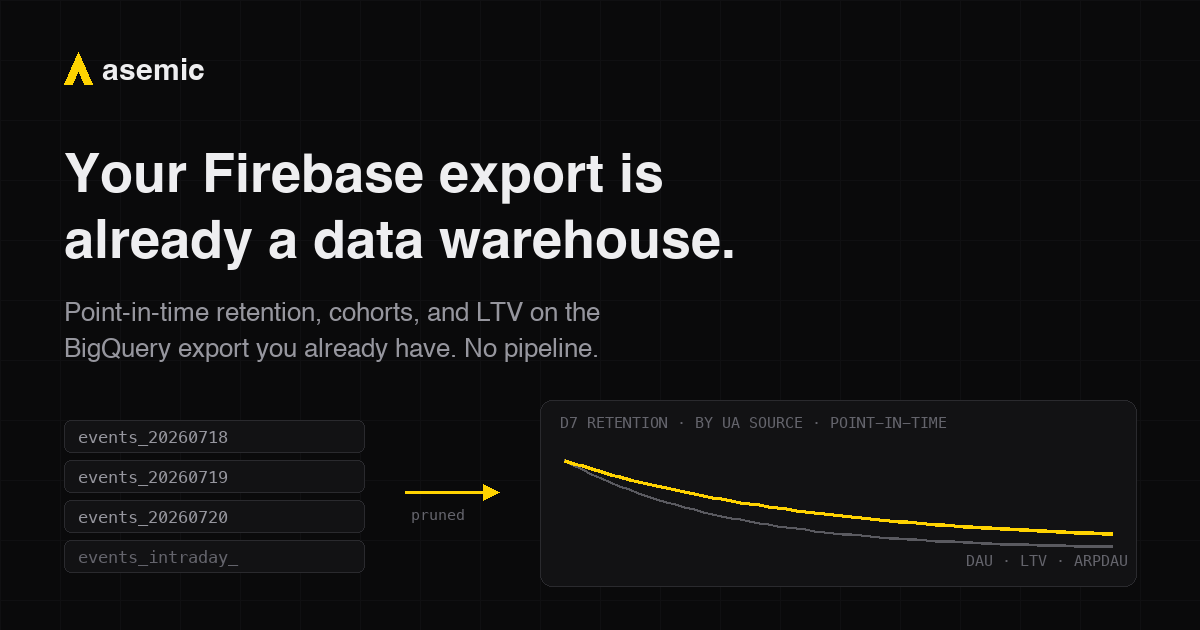
Linking Firebase (or GA4) to BigQuery produces a dataset called analytics_<propertyId> with one table per day: events_20260718, events_20260719, and so on, plus an events_intraday_ table for the current day that gets replaced when the day finalizes, roughly 24 to 72 hours later.
Inside, the schema is one big event stream. event_name says what happened. Identity lives in user_pseudo_id (and user_id, if your game sets it). And everything interesting about an event, the level, the score, the purchase value, is packed into event_params, an array of key-value structs rather than ordinary columns.
Every metric you care about is derivable from this: DAU, retention by cohort day, ARPDAU, conversion, LTV. The events are all there. So why does almost nobody use it?
The two walls
The first wall is the nesting. To get “level reached” out of event_params you write an unnest subquery, and you write it again in every query that needs it, and everyone on the team writes it slightly differently. One field. Now do that for every parameter of every event.
The second wall is subtler and more expensive, and it is the one I want you to remember even if you stop reading here.
The daily tables are what BigQuery calls date-sharded tables, and BigQuery only skips irrelevant shards when the query filters on the shard suffix itself, the special _TABLE_SUFFIX pseudo-column. The natural workaround, creating a view over events_* so the shards look like one table, silently loses this. Your dashboards filter on a date column, the view does not translate that into a suffix filter, and BigQuery scans the entire history of your export on every single query. A chart of last week’s retention reads two years of events to draw seven points. Nothing fails. Nothing warns you. The bill just grows with your history, forever.
So the honest description of “just use the export” was, until recently: build and maintain a flattening pipeline with correct shard pruning, which is a data-engineering project, which is exactly what a small studio does not have. That is the gap we decided to close.
Firebase to analytics without a pipeline
We taught Asemic to read the Firebase export natively, and the walkthrough is short enough to describe in full.
You connect BigQuery with read-only credentials. Where a generic tool would show you thousands of daily tables, Asemic recognizes the Firebase shape and shows one source: events_*.
You run event setup, and because the dataset matches the Firebase pattern, the wizard offers “Load GA4 starter”. That pre-fills the model with the standard GA4 events and the ones Google recommends for games: first_open mapped as your registration event, in_app_purchase as your payment event carrying the USD value, session_start, level_start, level_end, and friends. The common event_params for each event are extracted as typed columns, so “level reached” is just a dimension now, not a subquery. The event day is derived correctly from the export’s microsecond timestamps. You review the list, adjust what does not match your game, and generate.
Under the hood, every query Asemic compiles against this source carries the _TABLE_SUFFIX filter derived from the chart’s date range. A chart of last week reads seven shards, not seven hundred. That is not an optimization; on a two-year export it is the difference between usable and unusable. And because pruning happens at query compile time, none of this needs write access to your warehouse or a refresh pipeline you have to own.
From there it is the normal path: publish the model, backfill your history, and the export you never opened is serving retention curves, point-in-time cohorts (“players who were level 10 or above on their day 7”), ARPDAU, and predictive LTV. If you connect an AI assistant over MCP, those same governed definitions answer questions in chat. An afternoon, not a quarter.
The fine print
The export has real limitations, and they are properties of the export itself, not of any tool reading it. You should know them before trusting any analysis built on it:
- Identity resets on reinstall.
user_pseudo_idis a device-scoped id. If your game has accounts, setuser_idin the SDK; it is the single highest-value instrumentation change you can make, because it makes retention across reinstalls real. - Attribution is first-touch. The export carries a user-level
traffic_source, the first attributed source. That is enough to segment cohorts by acquisition source, and it is not a replacement for your MMP. - Ad revenue is not there by default. IAP revenue is in the export; ad revenue appears only if you link AdMob or import ad revenue events yourself. If you monetize heavily with ads, plan for that.
- Days finalize late. Finalized data lands 24 to 72 hours after the day closes. Intraday data exists and can be read live, but treat today’s numbers as provisional because Google does.
None of these are reasons not to start. They are the map of where the sharp edges are, which is more than most teams have when they begin.
The point
The industry keeps telling small studios that real analytics starts with hiring a data team and building a pipeline. For the large majority of mobile games, that is no longer true. The pipeline has been running since the day someone flipped on the export. The events are sitting in BigQuery in a known, stable schema. What was missing was software that treats that schema as a first-class citizen instead of asking you to reshape it first.
If you want to see this on your own export, the docs walk through the setup, and we will happily do it with you on a call: book a demo and bring nothing but read access to your analytics_ dataset. And if the deeper question of what moved your retention is what keeps you up at night, that is where this is all heading.